
The Art of Printing: What You Need to Know Before You Hit Order

Designs on the Go • September 9, 2026

Share this article

Printing seems simple until it isn't. You find an image you love, upload it to a print site, place the order, and then what shows up at your door is blurry, distorted, or a completely different color than what you saw on your screen. It happens more than you'd think, and almost every time it comes down to a few things that are easy to overlook before you hit order.


Here's what's actually going on, and what to know before you print anything for your business.

Why Does Everything Look Different When It Prints?

Your screen and a printing press speak two different languages. Screens display color using light (RGB), while printers use ink (CMYK). Those two systems don't translate perfectly to each other, which means a color that looks vibrant on your monitor can come out duller or slightly different on paper. This is why professional designers convert files to CMYK before sending anything to print.


Resolution is the other big one. Images on a website are usually 72 DPI (dots per inch), which looks fine on a screen but prints soft and blurry. Print files need to be at least 300 DPI to come out sharp and clear. If you take a low-resolution image and stretch it to fit a banner or a large card, you're going to see it.

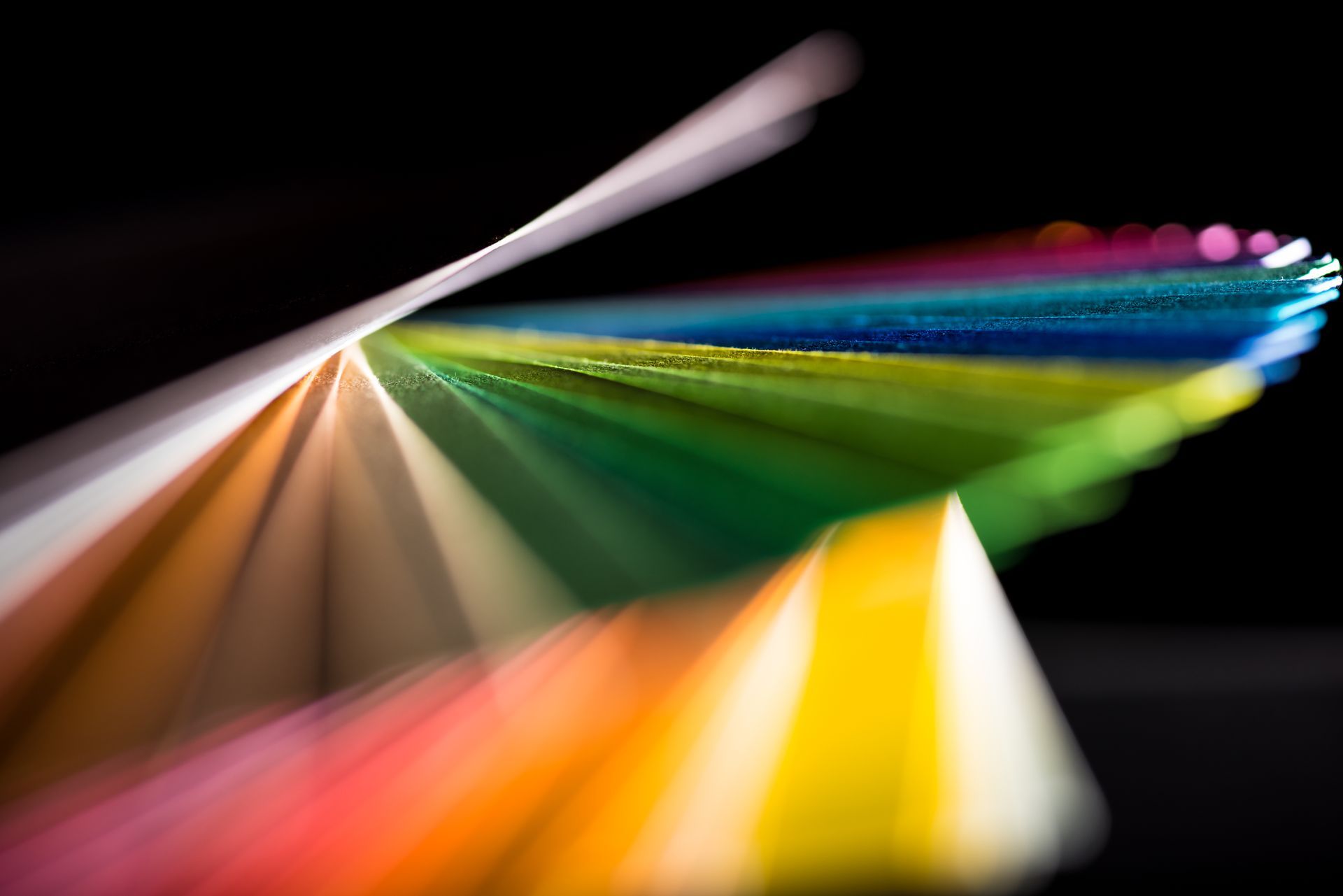
Rainbow colored paper swatches fanned out against a black background

Every Product Has Its Own Dimensions

A business card, a banner, a sticker, and a table cover all have completely different size requirements. It sounds obvious, but it's easy to assume that a design that works for one will just resize cleanly for another. It usually doesn't. Proper dimensions aren't just about the design fitting, they're about avoiding distortion, keeping text from getting cut off, and making sure the finished product actually looks like what you designed.


Most print products also have a bleed area, which is a small extension of the design beyond the trim line. Without it, you can end up with a thin white edge around your finished piece where the paper was cut. Getting the bleed right is one of those things that separates a professional print job from one that looks almost right.

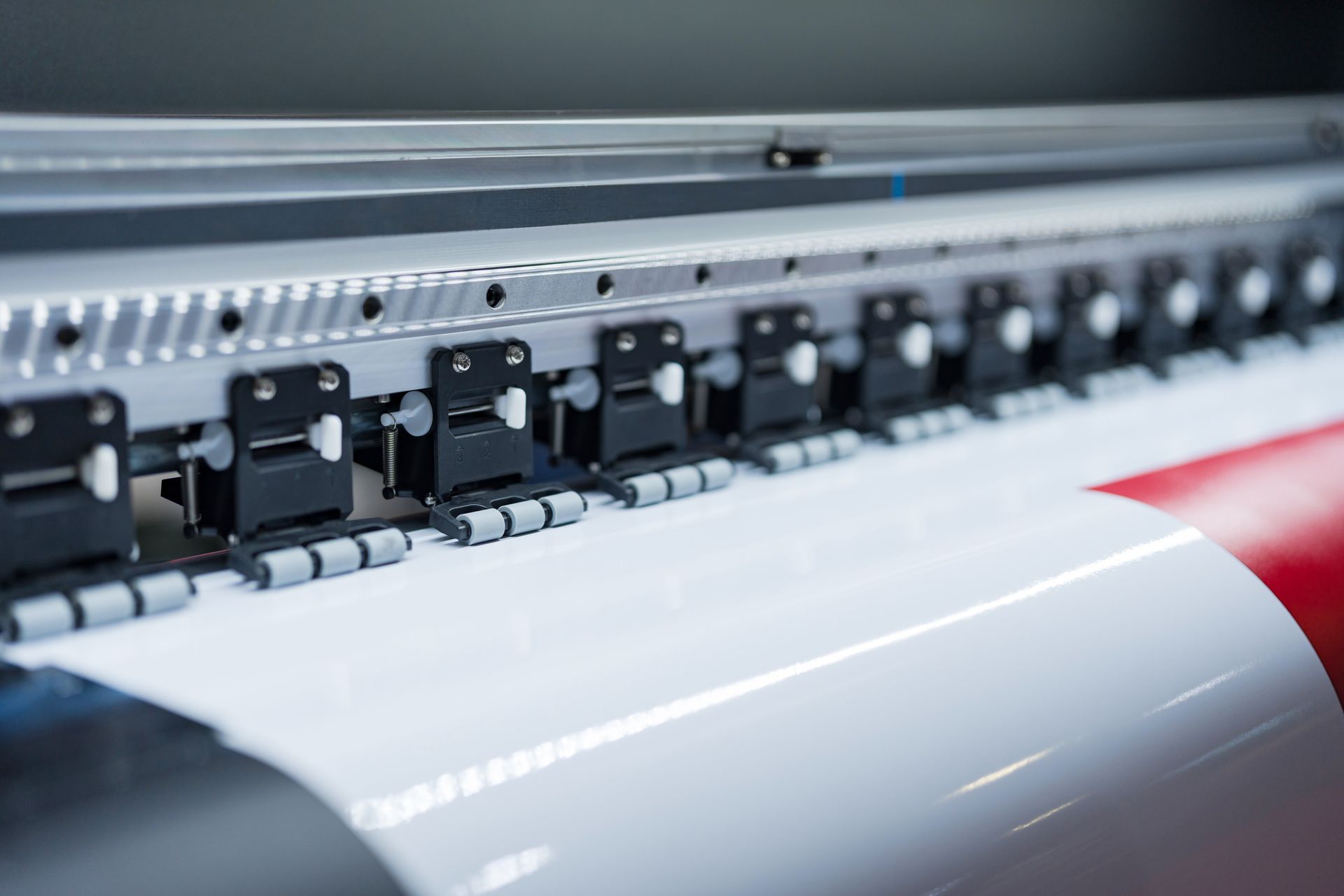
Close up of large format printer heads in action printing on wide vinyl material

What to Watch for When Choosing a Printer

Not all print pricing is what it appears to be at first glance. A few things worth checking before you commit:


  • Double-sided printing. Some printers charge extra for a second side, which can add up quickly on business cards or postcards.
  • Shipping costs and timelines. The base price rarely includes shipping, and faster delivery can cost significantly more. Make sure you're looking at the full total before comparing.
  • File setup requirements. Every printer has slightly different specs for bleed, resolution, and color mode. If your file isn't set up correctly for that specific printer, the results won't be what you expected.
  • Paper and finish options. Premium paper, matte versus gloss finish, and card weight all affect both the final look and the price. Make sure you're comparing the same quality level across options.
  • Reorder pricing. If you plan to reorder the same item, find out upfront whether there's a discount for reprints with minor updates like a phone number change.
Close up of large format printer heads in action printing on wide vinyl material

A Word on Supporting Small Business Printers

There's real value in working with someone who knows your brand, sets your files up correctly the first time, and stands behind the finished product. The lowest price on a print site doesn't account for the time you'll spend troubleshooting a bad file, waiting on a reorder, or starting over because something came out wrong.


When you work with a designer who handles printing too, you're getting file setup, quality control, and someone who actually cares how it turns out, not just a file upload box and a tracking number. Learn more about our Print & Event Materials.

Final Thoughts

Printing for your business is worth doing right. Understanding a few basics about resolution, color, dimensions, and what to look for in a printer can save you a lot of frustration and wasted money down the road.


If you have questions about getting a print project set up correctly or want to talk through your options, reach out and we're happy to help.

Contact Us

Your business deserves to look as good as the work you do. Designs on the Go is here to make that happen. Send us an email and let's talk about what we can build together.

You might also be interested in...

small business owner reviewing email marketing campaign on laptop at desk
By Designs on the Go • October 29, 2026
Social media gets the attention, but email marketing for small businesses wins every time. Here is why your email list is your most valuable marketing asset.
business owner comparing website options on laptop and notepad at desk
By Designs on the Go • October 21, 2026
Shopify or a custom website — which is right for your business? Here is a clear breakdown to help you make the right call with confidence.
How to Spot Spam Mail and Protect Your Business Online – Business Strategy & Consulting blog post
By Designs on the Go • October 14, 2026
Learn how to identify spam and phishing emails before they put your business at risk, with practical tips for spotting red flags and building safer email habits.
Show More